Best Receipt Tracker for Taxes in 2026
Find the best receipt tracker for taxes in 2026. Compare features, IRS compliance, and pricing for business expense tracking apps and software.
11 min read read
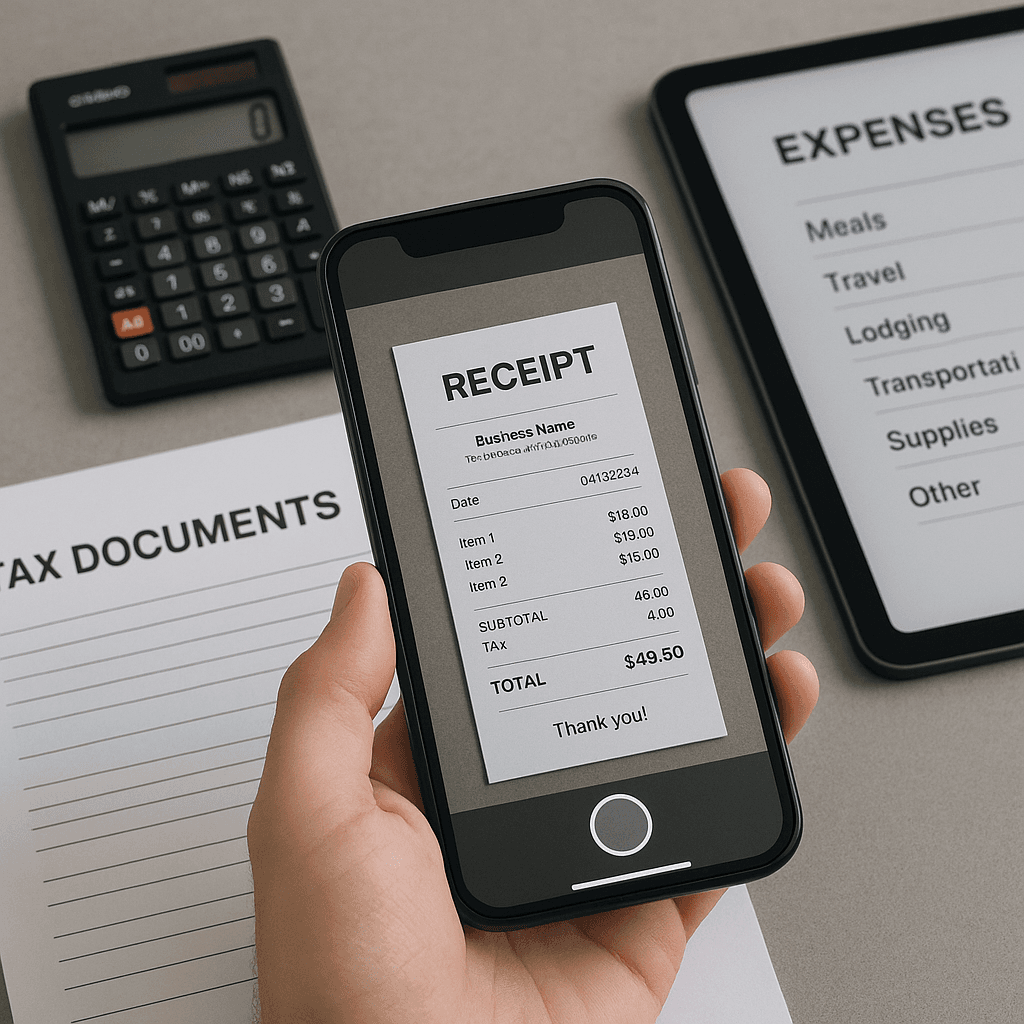
What's the Best Receipt Tracker for Taxes in 2026?
Yes — the best receipt tracker combines AI-powered scanning, IRS-compliant storage, and automated categorization for maximum deduction accuracy.
- ✅ Business owners & freelancers: Essential for tracking deductible expenses and maximizing tax savings
- ✅ W-2 employees: Useful for unreimbursed business expenses (where still deductible)
- ✅ Real estate investors: Critical for tracking property-related deductions and depreciation
- ✅ Healthcare expenses: Track medical receipts for itemized deductions or HSA/FSA compliance
- ✅ Digital storage: IRS accepts digital receipts if they're clear and contain required information
- ✅ Audit protection: Proper receipt tracking provides documentation for IRS inquiries
What Does "Receipt Tracker for Taxes" Mean?
A receipt tracker for taxes is digital software or an app that captures, stores, and organizes business and deductible personal receipts to support tax deductions and IRS compliance requirements.
Quick Answers
- Best overall receipt tracker? → ✅ Depends on business size and needs (ReceiptRecon, Expensify, or QuickBooks)
- Do I need receipt tracking for taxes? → ✅ Yes, if you claim business deductions or itemize
- Are digital receipts IRS-compliant? → ✅ Yes, when clear and complete
- Can apps automatically categorize expenses? → ✅ Most modern trackers use AI for auto-categorization
- What's the minimum receipt amount to track? → ✅ IRS requires receipts for expenses over $75, but track everything
- Free vs. paid receipt trackers? → ✅ Free works for simple needs; paid offers better features and support
Note: This guide focuses primarily on U.S. tax rules (IRS compliance).
Table of Contents
- Top Receipt Trackers for Tax Season 2026
- Essential Features for Tax Compliance
- IRS Requirements for Digital Receipt Storage
- Business vs. Personal Receipt Tracking
- Pricing and Value Comparison
- Integration with Tax Software
- Mobile vs. Desktop Receipt Tracking
- Should You Use a Receipt Tracker?
- International Tax Compliance
- Frequently Asked Questions
Top Receipt Trackers for Tax Season 2026
1. ReceiptRecon
Best for: AI-powered expense categorization and audit-ready documentation
Key strengths:
- Advanced AI receipt scanning with 99%+ accuracy on key fields
- Automatic expense categorization using machine learning
- IRS-compliant digital storage with unlimited retention
- Real-time duplicate detection and fraud prevention
- Seamless integration with major accounting platforms
- Receipt automation workflows for recurring expenses
Pricing: Starting at $9/month for small businesses
2. Expensify
Best for: Team expense management and reimbursement workflows
Key strengths:
- SmartScan technology for receipt capture
- Corporate credit card integration
- Automated expense reports and approvals
- Mileage tracking with GPS
- Multi-currency support for international businesses
Limitations: Higher cost for advanced features, limited customization
3. QuickBooks Online
Best for: Integrated bookkeeping and tax preparation
Key strengths:
- Full accounting software with receipt capture
- Direct integration with tax preparation tools
- Automatic bank transaction matching
- Comprehensive financial reporting
- CPA and accountant collaboration features
Limitations: Overkill for simple receipt tracking, steeper learning curve
4. Shoeboxed
Best for: High-volume receipt processing with human verification
Key strengths:
- Mail-in receipt processing service
- Human data entry verification
- IRS-accepted digital copies
- Integration with tax software
- Unlimited storage and retrieval
Limitations: Higher cost per receipt, slower processing times
5. Receipts by Wave
Best for: Freelancers and very small businesses on a budget
Key strengths:
- Completely free receipt scanning
- Integration with Wave Accounting
- Basic expense categorization
- Simple mobile app interface
- No monthly fees or limits
Limitations: Limited advanced features, basic reporting capabilities
Essential Features for Tax Compliance
Must-Have Features
| Feature | Why It Matters | IRS Requirement |
|---|---|---|
| Clear image capture | Legible receipt details for audit support | Must show date, amount, vendor, business purpose |
| Automatic date extraction | Accurate expense timing for tax year allocation | Required for proper deduction timing |
| Vendor/merchant identification | Proves business relationship and expense legitimacy | IRS Publication 463 requirement |
| Expense categorization | Proper allocation to deductible expense types | Needed for accurate tax form completion |
| Digital storage with backup | Permanent record retention for audit protection | 3-year minimum retention (7 years recommended) |
| Export capabilities | Transfer data to tax software or accountants | Facilitates tax preparation workflow |
Advanced Tax Features
Multi-entity tracking: Separate expenses by business entity or rental property for accurate Schedule C, E, or corporate returns.
Mileage integration: Automatic GPS tracking and IRS standard mileage rate calculations for vehicle expense deductions.
Sales tax handling: Separate tracking of deductible sales tax for state and local tax deduction optimization.
Personal vs. business splitting: Tools to separate mixed-use expenses (like home office utilities) according to IRS guidelines.
IRS Requirements for Digital Receipt Storage
According to IRS Revenue Procedure 97-22 and Publication 583 (Starting a Business and Keeping Records), digital receipts must meet specific standards:
Acceptable Digital Receipt Standards
- Image quality: Must be clear enough to read all required information
- Complete information: Date, amount, payee, and business purpose must be visible
- Permanent storage: Digital copies must be stored in a format that prevents alteration
- Backup systems: Multiple copies recommended to prevent data loss
- Indexing capability: Ability to locate specific receipts during an audit
Required Receipt Information
- Amount of expense (pre-tax total)
- Date of transaction
- Name and location of vendor
- Business purpose (can be added as notation)
- Names of people present (for entertainment expenses)
Storage Duration Requirements
- Minimum: 3 years from tax return due date
- Recommended: 7 years for comprehensive audit protection
- Indefinite: For property records, depreciation schedules, and carryover items
Business vs. Personal Receipt Tracking
Business Receipt Tracking (Schedule C, Corporate Returns)
Higher stakes: Business deductions directly reduce taxable income and can trigger audit scrutiny.
Common deductible categories:
- Office supplies and equipment
- Professional services and software subscriptions
- Business meals (50% deductible in 2026)
- Travel and transportation
- Marketing and advertising expenses
- Professional development and training
Best practices:
- Track 100% of business purchases, regardless of amount
- Use receipt intelligence to automatically flag questionable personal expenses
- Maintain separate business credit cards and bank accounts
- Document business purpose immediately after purchase
Personal Deductible Expenses
Medical expenses: Track for potential itemized deduction (expenses exceeding 7.5% of AGI in 2026).
Charitable contributions: Required documentation for all cash donations, regardless of amount.
State and local taxes: Property tax receipts for SALT deduction (subject to $10,000 cap through 2025).
Investment-related expenses: Though limited under current tax law, some investment fees may still be deductible.
Pricing and Value Comparison
| Solution | Monthly Cost | Receipt Volume | Key Value Proposition |
|---|---|---|---|
| ReceiptRecon | $9-49 | Unlimited | AI accuracy + automation workflows |
| Expensify | $5-18/user | 25-unlimited | Team collaboration + corporate features |
| QuickBooks | $30-200 | Unlimited | Full accounting integration |
| Shoeboxed | $18-249 | 50-5,000 | Human verification + mail-in service |
| Wave Receipts | Free | Unlimited | No-cost basic scanning |
ROI Calculation for Receipt Tracking
Time savings: Professional receipt tracking saves 2-4 hours per month during tax season.
Deduction optimization: Proper tracking typically increases deductible expenses by 15-25% through better record keeping.
Audit protection: Digital organization reduces professional accounting fees by $500-1,500 annually.
Example ROI: A freelancer spending $50/month on receipt tracking software typically recovers $200-500 in additional deductions and time savings.
Integration with Tax Software
Direct Tax Software Integrations
TurboTax: Direct import from QuickBooks, limited support for other platforms.
TaxAct: API connections with major expense platforms including Expensify and Shoeboxed.
FreeTaxUSA: Manual CSV import from most receipt tracking solutions.
Professional tax software (Drake, Lacerte, ProSeries): Broad integration support through standardized data formats.
Export Formats for Tax Preparation
- CSV/Excel: Universal compatibility with all tax software
- QBO files: QuickBooks format accepted by most professional preparers
- PDF summaries: Organized expense reports with receipt images
- IIF format: Integration with older accounting systems
Mobile vs. Desktop Receipt Tracking
Mobile-First Advantages
Immediate capture: Photograph receipts at point of purchase to prevent loss.
GPS integration: Automatic location tagging for travel and business meal documentation.
OCR accuracy: Modern smartphones provide high-quality images for text extraction.
Offline functionality: Many apps allow receipt capture without internet connection.
Desktop Strengths
Bulk processing: Upload multiple receipts from scanners or email attachments.
Advanced categorization: More sophisticated tagging and organizational tools.
Report generation: Comprehensive expense analysis and tax preparation exports.
Integration management: Connect with accounting software and bank feeds.
Hybrid Approach Recommendations
- Capture on mobile: Use smartphone apps for immediate receipt scanning
- Organize on desktop: Review, categorize, and prepare tax exports on computer
- Sync across devices: Choose solutions with seamless cloud synchronization
- Backup strategy: Multiple access points prevent data loss
Should You Use a Receipt Tracker?
| Situation | Recommendation | Key Considerations |
|---|---|---|
| Freelancer/1099 contractor | ✅ Essential | High deduction potential, audit risk |
| Small business owner | ✅ Critical | Legal requirement, tax optimization |
| W-2 employee, no side income | ❌ Usually unnecessary | Limited deduction opportunities |
| Real estate investor | ✅ Highly recommended | Complex depreciation, multiple properties |
| Itemized deductions >$15K | ✅ Valuable | Medical, charitable, SALT tracking |
| Standard deduction filer | ❌ Low priority | Unless planning business ventures |
| High audit risk industries | ✅ Essential | Cash businesses, entertainment, travel |
Decision Factors
Annual deductible expenses over $3,000: Receipt tracking typically pays for itself through better organization and audit protection.
Multiple income streams: Essential for properly allocating expenses across different business activities.
International business: Currency conversion and compliance tracking justify premium solutions.
Growth planning: Implement tracking systems before scaling business operations.
International Tax Compliance
Canada (CRA Requirements)
Digital receipt acceptance: CRA accepts electronic records with same standards as paper receipts.
Retention period: 6 years from end of tax year.
GST/HST documentation: Input tax credit claims require compliant receipt formatting.
Recommended solutions: Expensify and QuickBooks offer strong Canadian tax integration.
United Kingdom (HMRC Guidelines)
Making Tax Digital (MTD): Requires digital record keeping for VAT-registered businesses.
Acceptable formats: Digital images acceptable if legible and contain required information.
Retention requirements: 5 years for income tax, 6 years for corporation tax.
Integration needs: Connect with UK-specific accounting software like Sage or Xero.
Australia (ATO Standards)
Electronic record keeping: ATO accepts digital receipts meeting legibility standards.
myDeductions app: Government-provided basic expense tracking with limited features.
Retention period: 5 years from tax return lodgment.
GST compliance: Business receipts must show ABN and GST components clearly.
Frequently Asked Questions
What makes a receipt tracker "best" for taxes?
The best receipt tracker combines accurate data extraction, IRS-compliant storage, and seamless integration with tax preparation workflows. Look for solutions offering automatic categorization, audit-ready documentation, and reliable customer support during tax season.
Do I need to keep paper receipts if I use a digital tracker?
No, the IRS accepts digital receipt copies as long as they contain all required information and remain legible. However, keep originals for receipts that are unclear when scanned, and maintain backup systems to prevent data loss.
How much should I spend on receipt tracking software?
For most small businesses, $10-30 monthly provides comprehensive receipt tracking with tax-focused features. Calculate ROI by considering time savings (typically 3-5 hours monthly) and improved deduction accuracy (often 15-25% increase).
Can receipt trackers automatically determine if expenses are deductible?
Modern receipt organizer solutions use AI to suggest expense categories and flag potentially non-deductible items, but final tax decisions should involve consultation with qualified tax professionals, especially for complex situations.
What happens if my receipt tracking app company goes out of business?
Choose solutions offering data export capabilities and regular backup options. Services like ReceiptRecon provide multiple export formats and guarantee data portability. Always maintain local backups of critical tax documentation.
How do receipt trackers handle partially business expenses?
Quality tracking solutions allow expense splitting for mixed-use purchases (like vehicle expenses or home office utilities). Look for tools that calculate business percentages according to IRS guidelines and document the allocation methodology.
Are there industry-specific receipt tracking requirements?
Certain industries face enhanced scrutiny requiring specialized tracking: restaurants need detailed meal expense documentation, transportation companies require extensive mileage logs, and professional services must document client-related expenses separately.
Can I switch receipt tracking systems mid-year?
Yes, but plan the transition carefully to avoid gaps in documentation. Export all data from your current system before switching, and consider running both systems briefly during transition periods to ensure complete coverage.
Ready to implement professional receipt tracking for your tax preparation? Compare ReceiptRecon's pricing options to find the right solution for your business needs, or start your free trial today to experience AI-powered expense management firsthand.
Disclaimer: This content is for informational purposes only. Consult a qualified professional for tax or compliance advice.
🎯 Turn Receipts Into Searchable, Audit-Ready Records
ReceiptRecon digitizes and organizes receipts so you're always audit-ready.